
-
Create two groups in Jira (e.g. genericgroup, genericusers).

-
Create users and assign them to groups (in my example, the generic user is the user with application access through which the other users (g-user1+2) get access to the Jira data).
genericgroup:
Confluence users without a Jira license are assigned here (the Confluence user can also be set to inactive in Jira).
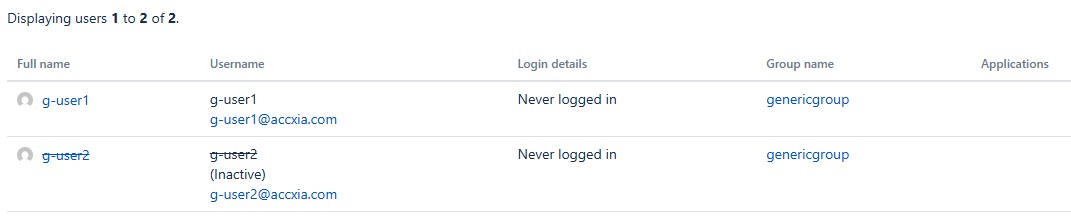
genericgroup:
Only the generic user (with Jira license) is added here.

-
Setting up Accxia Generic Access in Jira
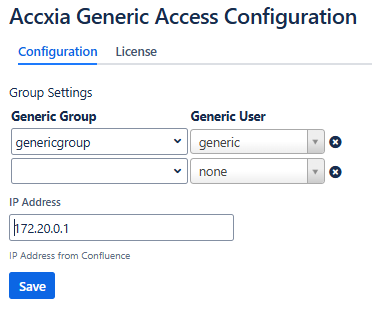
Multiple assignments can also be defined. For each generic group a generic user is required.
-
Setting up Application links in Confluence

The connection must be set to OAuth with Impersonation.

-
a) The user (g-user1) can now create a new filter in Confluence and has access to the same projects as the generic user.
The Confluence user cannot access Jira directly.
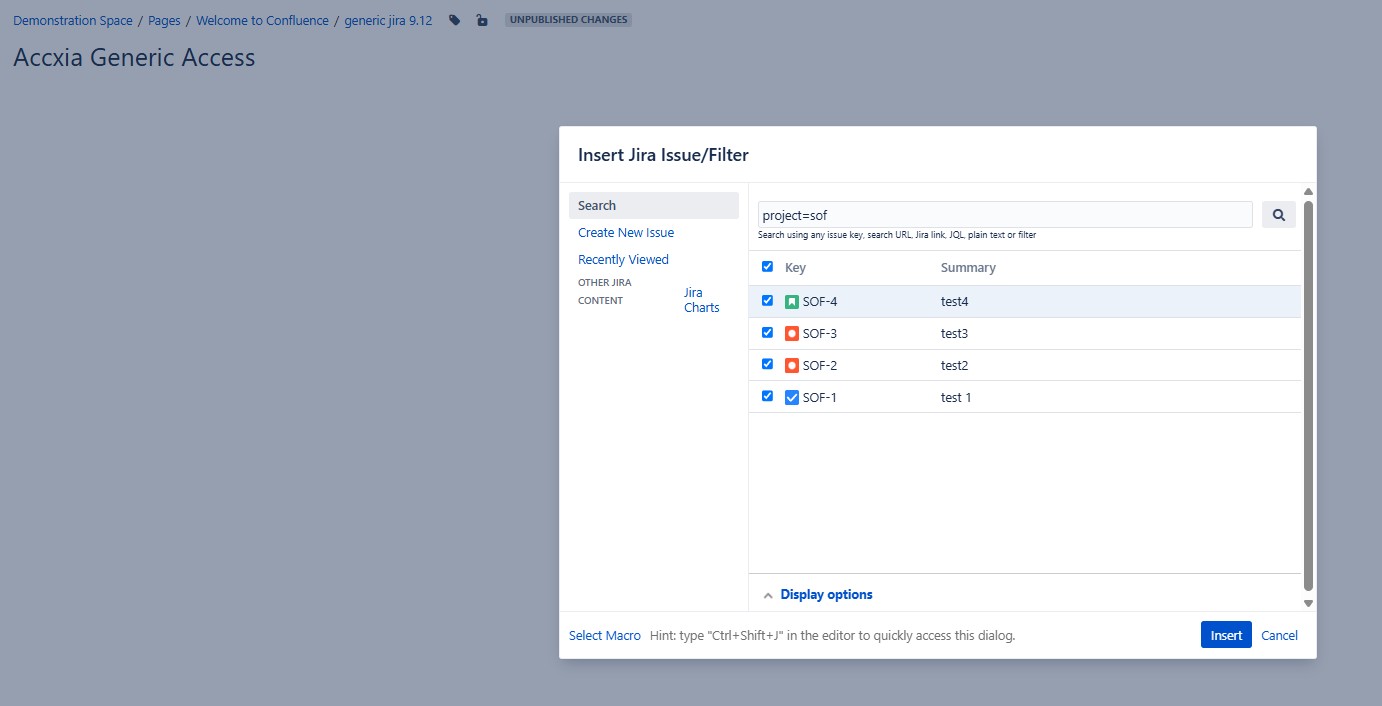
b) Existing Jira Issue Filters are updated automatically without further authentication if the generic user has the appropriate authorization.