
Since the assignee in JSM needs a valid license, the "IUM User - Automation" must be inserted directly after the trigger in the automation.
The IUM User Automation process reads the other components during execution and adds the corresponding IUM users to the Access group. The remaining components are then executed, and finally, the IUM users are removed from the Access group.
Install the IUM Automation plugin.
|
Jira 10 |
Jira 11 |
|---|---|
|
|
|
Procedure with existing automation:
-
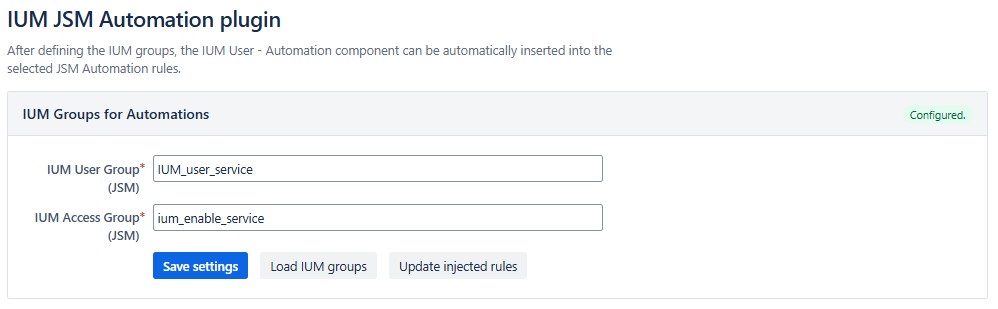
Open IUM Automation settings.
-
IUM Groups are automatically read
-
If the ium groups have been changed, a group update must be performed.
-
Load IUM Groups
-
Save Settings
-
Update injected rules
-
-
-
Click on "Load rules" under Automation rules.

-
Only show rules with assign issue action
-> All automations without assign issue are hidden
-
Select the appropriate rules and click on "inject into selected".
-> IUM User automation is inserted for the selected rules. -
If the IUM user automation has already been inserted, it will be displayed after the rule name.

-
The IUM user automation can be removed from the corresponding rules using "remove ium".
Demo
Procedure with new automation:
-
Create new rule
-
Add trigger
-
Add a new componenet “New action”
-
Select "IUM User - Automation" at the very bottom of the list.

-
Then add the other components