
The following features may affect performance. The database pool size may need to be increased.
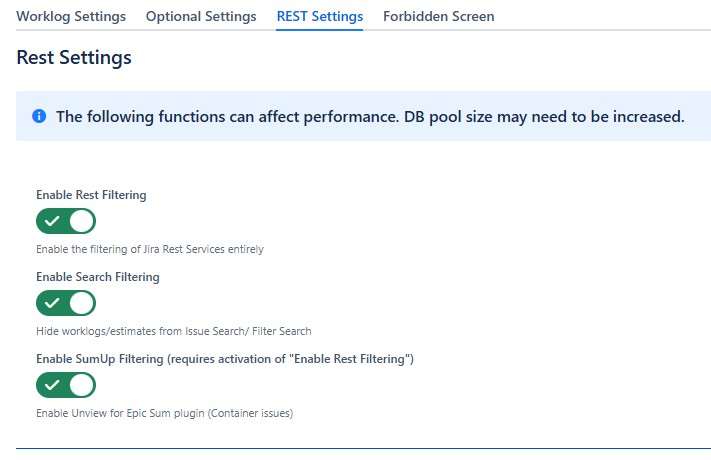
Enable Rest Filtering
-
By default, the Rest Filter is disabled, to enable, simply enable the Switch.
Enable Search Filterung
-
Hide worklogs and estimates from Issue Search / Filter Search.
Rest filtering must also be switched on.
Enable Sum up Filtering (Epic Sum Plugin)
-
Filters "container issue" worklogs/estimates according to the Unview worklog/estimate exceptions.
-
Epic Sum filters worklogs/estimates in "show in detail view" according to the Unview worklog/estimate exceptions.
-
Without Unview worklog exceptions, only your own worklogs will be displayed in the timesheet.
-